
The one-day summary
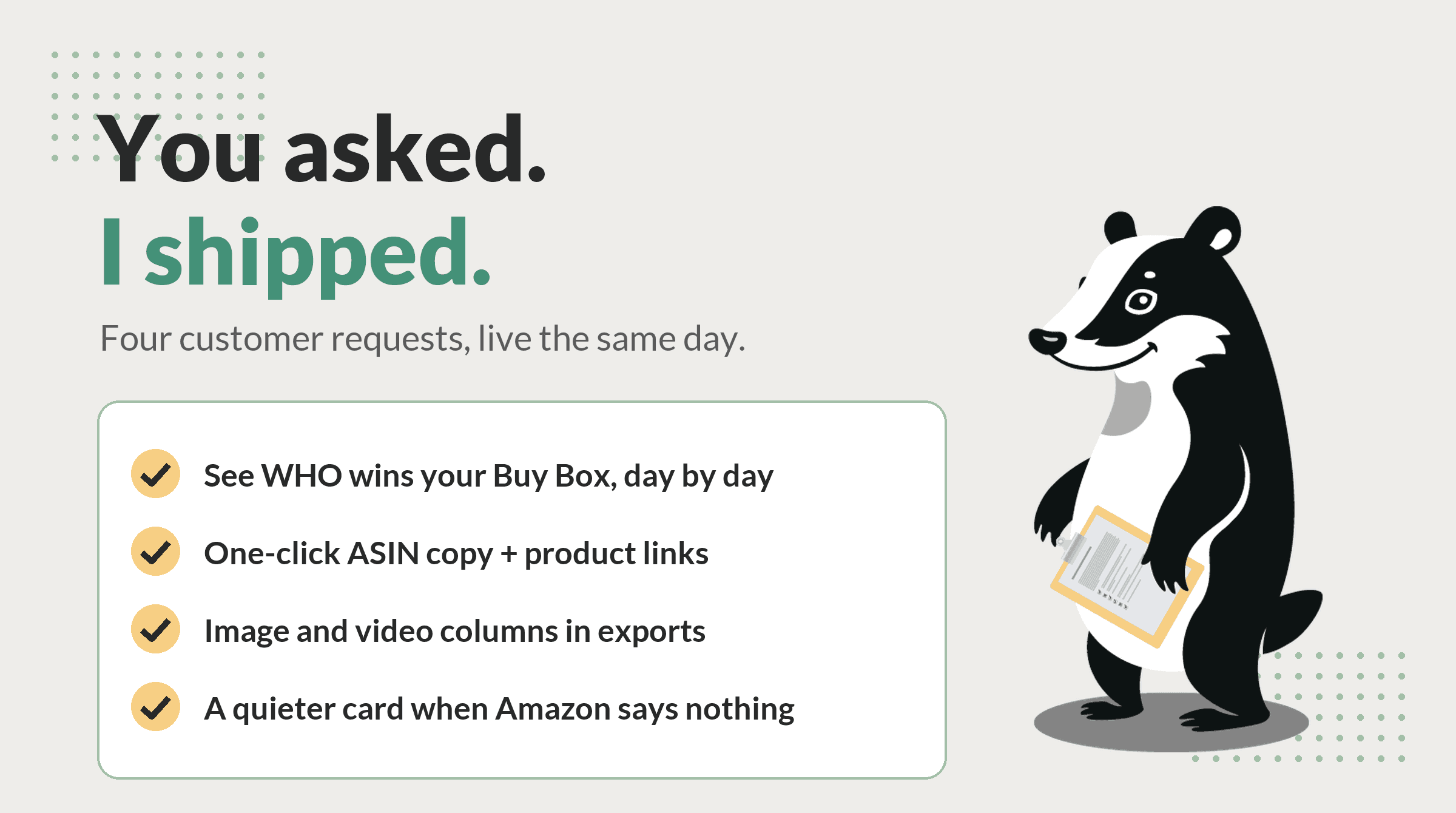
- I name who wins your Buy Box, day by day. A new seller-level chart on every ASIN page shows the winners and their share, instead of a flat line that only knew about you.
- The changes timeline is clickable now. Copy an ASIN in one click, jump to its dashboard page, or open the live Amazon listing from any change.
- I count your images and videos in exports now. Image Count and Has Video ride along in the ASIN CSV, so listing audits need one download instead of a tab per product.
- Less noise where Amazon is silent. The sales volume card now takes two quiet lines to say Amazon publishes no figure, instead of a paragraph.
I ask for feedback constantly, and sometimes I get the good kind: specific, screenshot-laden, and slightly impatient. This one arrived at 10 in the morning with screenshots from a competitor's tool and a wish list attached. I like that kind of email. It means somebody is paying attention to the same things I stare at all night. Everything below shipped the same day, and all of it is live right now.
I always knew who was winning. Now I tell you.
The old per-ASIN win rate chart had a blind spot the customer put perfectly: if you never own the Buy Box on a listing, the chart is a flat line at zero, and “just showing 0% doesn't help a ton.” They were right. Here is the embarrassing part: I check your listings from every city you track, every single day, and I write down who holds the Buy Box on every one of those checks. The chart just threw that away and reported whether it was you. It was like a night watchman who logs “not the owner” and calls it a report.
So every ASIN page now opens its history section with Who's Winning the Buy Box: one stacked bar per day showing who actually held it across your tracked locations. Your share is green. Each competing seller gets a named band of its own. Suppressed listings get their own hatched band, because nobody wins a suppressed Buy Box, and checks where Amazon showed no winner are counted honestly as inconclusive instead of being swept into somebody's total. I do not invent winners. I catch them.
Hover any day for the exact split and check counts. Switch between 7, 30, and 90 day views. Below the chart, a seller table compares each seller's share in the current window against the prior one, alongside the median price they held the Buy Box at, which is often the fastest way to see whether you are losing to a real price gap or to something else. Where a window reaches beyond the 90 days of history I keep on the page, the table shows a dash rather than a number invented from thin data.
The changes timeline is clickable now
Product Page Changes is where I log every edit Amazon makes to your listings: titles, bullets, images, categories, variations. The timeline was informative and also, as the feedback pointed out, a dead end. You could read a change but not act on it without retyping the ASIN somewhere else. I dig up the evidence; you shouldn't have to carry it home by hand.
Every change row now carries three small buttons: click the ASIN to copy it, jump to that product's dashboard page with its full history, or open the live listing on Amazon in the right marketplace, whether that's amazon.com, amazon.co.uk, amazon.ca, or amazon.ie. Product Page Changes remains a paid-plan feature, as before.
I count your images anyway. Now the CSV shows my count.
If you audit listings for clients, you already export the ASINs table. Two new columns ride along in that CSV: Image Count and Has Video, drawn from the same daily listing snapshots that power change tracking. Thin image stacks and missing videos are two of the fastest listing-quality wins to spot in a spreadsheet, and now they sit in the same file as your Buy Box, price, stock, and rank data.
One honesty note baked into the columns: a blank cell means Amazon's page never gave me that field for the product. I show a blank rather than a zero or a “No”, because a number I cannot back is worse than no number.
Less noise where Amazon is silent
Amazon publishes its “bought in past month” figure on roughly a third of products. For everything else, my sales volume card used to spend a full paragraph explaining the absence, on every ASIN page, every time. The feedback was blunt: the card was almost always saying nothing. Fair. I only report what I can see, and when Amazon says nothing, I now say less. Two quiet lines, and the card gets out of the way. When Amazon does publish a figure, the card is unchanged.
What's still on the list
The same email asked for a few bigger things: checking off reviewed changes so they leave the timeline, starring the important ones, a dashboard where you choose which widgets show, and date pickers on every chart. Those are real digs rather than same-day ships, and they are on my list. If one of them matters to your workflow, tell me, because that is exactly how the four features above got built.
Watch me work before you sign anything
Want to see who is winning your Buy Box before creating an account? Paste any ASIN or Amazon URL into the free Buy Box checker and I'll run a real check across multiple cities in the US, UK, Canada, or Ireland. No account, no seller login, and I never ask for your Seller Central password, because I do not need it. Every result gets a shareable link.
Frequently asked questions
What does the Who's Winning the Buy Box chart show?
For any ASIN you track, a stacked bar per day showing who held the Buy Box across your tracked locations: you, each competing seller by storefront name, plus honest bands for suppressed listings and checks where Amazon showed no winner. Hover a day for exact shares, switch between 7, 30, and 90 day views, and read the seller table below it for each seller's share this window versus the prior one, with their typical winning price.
Do these updates cost extra?
No. All four ship at no added cost on your existing plan. One footnote: the Product Page Changes timeline, where the new copy and link buttons live, is itself a paid-plan feature, as before. The winner chart, the export columns, and the sales volume card are on every plan.
How do I get the new export columns?
Open a brand on your dashboard and use Export CSV on the ASINs table. Image Count and Has Video sit between the Reviews and BSR columns. A blank cell means Amazon's page never gave me that field for the product, which is different from a zero, so I never invent one.
How do I send feedback of my own?
Reply to any email I send, or use the contact page. Feature requests from paying customers genuinely reorder my list, as this post demonstrates.
Put me on Buy Box duty
Every feature in this post is live right now. Hand me your ASINs and I'll tell you who owns your Buy Box, city by city, with a fresh check every day.
A product by Ad Badger.
Badger out.